Unlock Your Inner Photographer: A Beginner’s Guide to Taking Photos You Love
So, you’ve got a camera and a dream of capturing stunning images—but you’re not sure where to begin. You’re not alone. Photography can feel overwhelming at first, but with a few key skills, you can go from “auto mode” snapshots to photos you’re proud to share.
This beginner-friendly photography guide will walk you through camera settings, composition, lighting, gear choices, free learning resources, and fun projects that will spark your creativity.
Photography Basics
1. Learn the Photography Basics: The Exposure Triangle
If you want to take control of your camera, the exposure triangle is the first thing to understand. It’s the relationship between aperture, shutter speed, and ISO—three settings that determine how bright or dark your photo is.
Aperture: Create Blurry Backgrounds or Sharp Landscapes
A wide aperture (like f/1.8) lets in more light and creates that soft, blurry background (bokeh), perfect for portraits. A narrow aperture (like f/16) keeps more of your scene in focus, great for landscapes and architecture.
💡 Pro Tip: For portraits, use the lowest aperture your lens allows and focus on your subject’s eyes.
Shutter Speed: Freeze Action or Blur Motion
Fast shutter speeds (1/1000s) freeze moving subjects, like sports or wildlife. Slow shutter speeds (1/30s or longer) blur movement for creative effects like silky waterfalls or light trails.
💡 Pro Tip: Use a tripod when shooting with slower shutter speeds to avoid camera shake.
ISO: Adjust Light Sensitivity
A low ISO (100–200) gives crisp, clean images in bright light. A high ISO (1600+) lets you shoot in darker conditions but can introduce grain.
💡 Pro Tip: Raise ISO only as much as needed—noise can be reduced in editing, but too much will affect image quality.
2. Choosing Your First Camera & Lens
While skill matters more than gear, having the right tools can make learning easier.
DSLR vs. Mirrorless
- DSLR: Sturdy, long battery life, great optical viewfinders.
- Mirrorless: Lighter, often better for video, and newer tech.
Budget-Friendly Beginner Models
- Canon EOS Rebel Series
- Nikon D3500
- Sony Alpha a6000 Series
Lenses to Consider
- Kit Lens (18–55mm): Versatile for everyday shooting.
- 50mm f/1.8 Prime: Affordable, great for portraits and low light.
- Wide-Angle (10–18mm): Perfect for landscapes and architecture.
💡 Tip: Consider buying used or refurbished gear from reputable sellers—it’s a great way to save money without sacrificing quality.
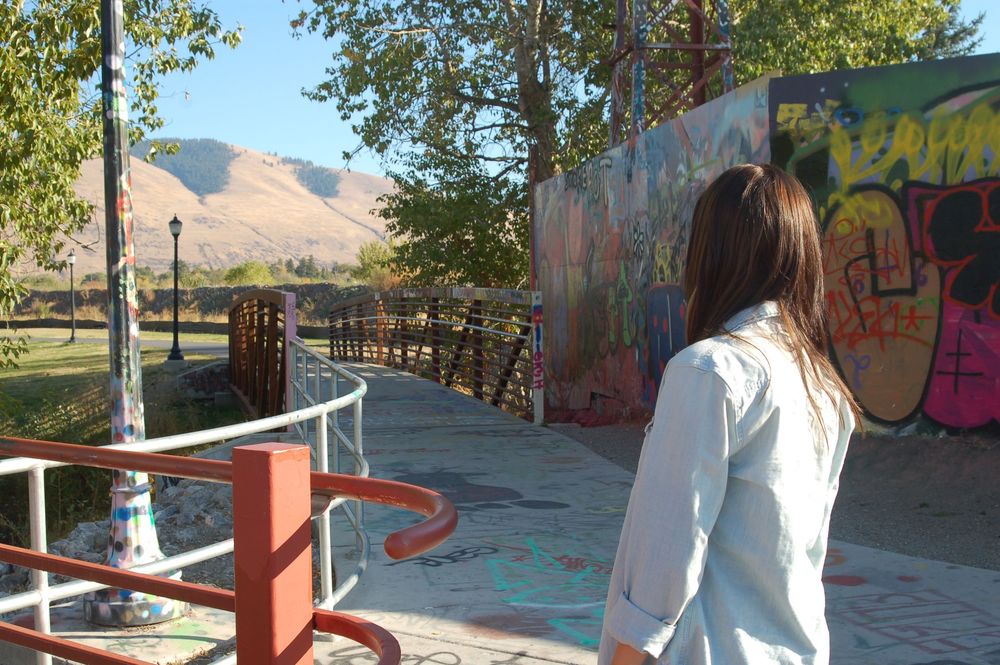
📸 Flashback to My Early Days
When I first started experimenting with photography about 15 years ago, I took this shot while wandering through a graffiti-covered walkway on a sunny afternoon. My gear wasn’t fancy, and my skills were just developing—but moments like this taught me that great photography starts with curiosity, not expensive equipment.
Image: One of my earlier photographs, taken during exploring portrait photography.
3. Master Photography Composition for More Striking Photos
Camera settings matter, but composition is what makes a photo stand out.
Rule of Thirds
Imagine a grid dividing your frame into nine equal parts. Position your subject along one of these lines or intersections to create a more balanced and engaging photo.
Leading Lines
Roads, rivers, fences, or hallways can guide the viewer’s eye directly to your subject, adding depth and direction to your image.
Natural Framing
Use arches, doorways, or branches to frame your subject—this draws attention and adds layers to your shot
4. Lighting Basics for Beginners
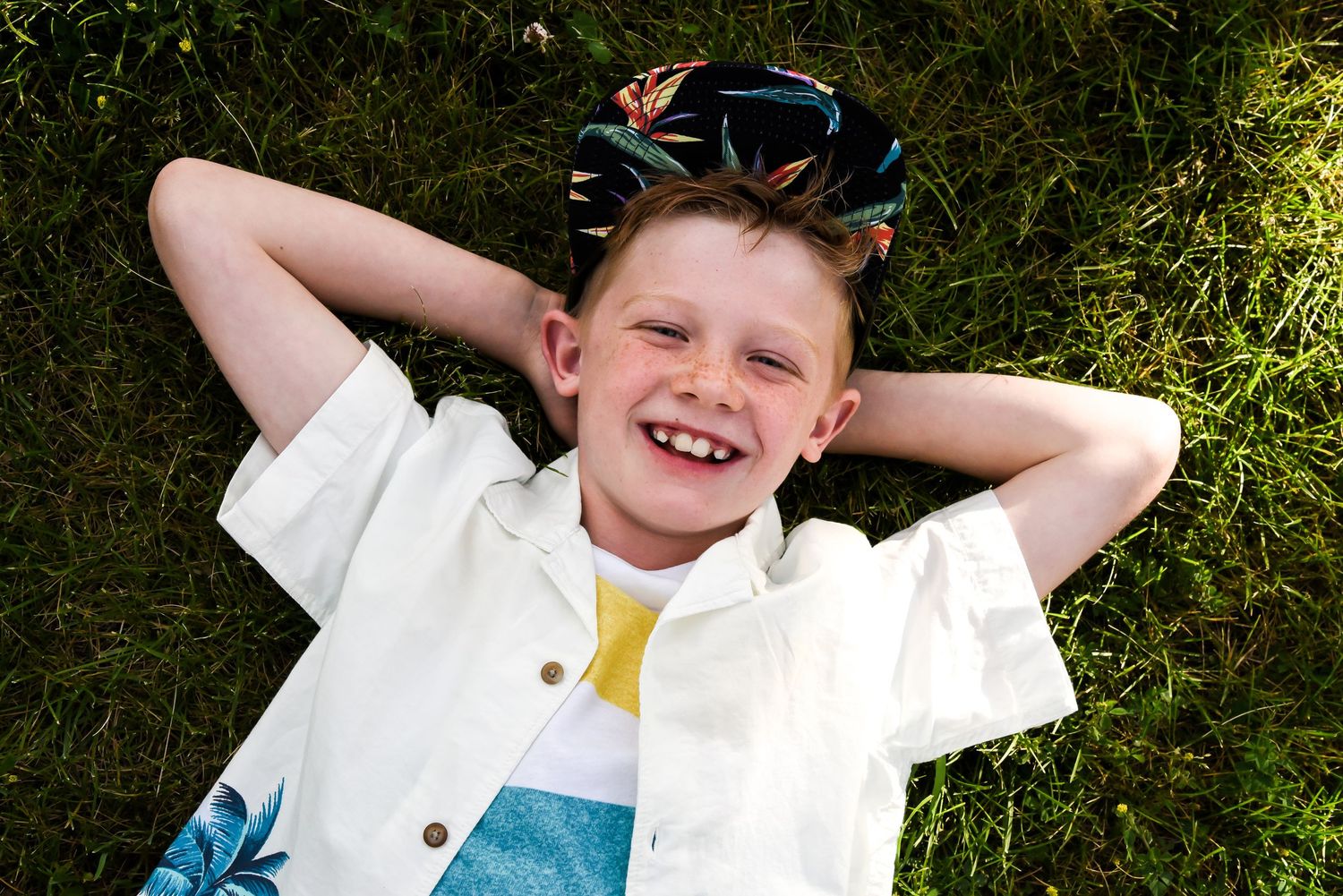
Light can make or break a photo. Understanding how to work with it is essential.
Natural Light
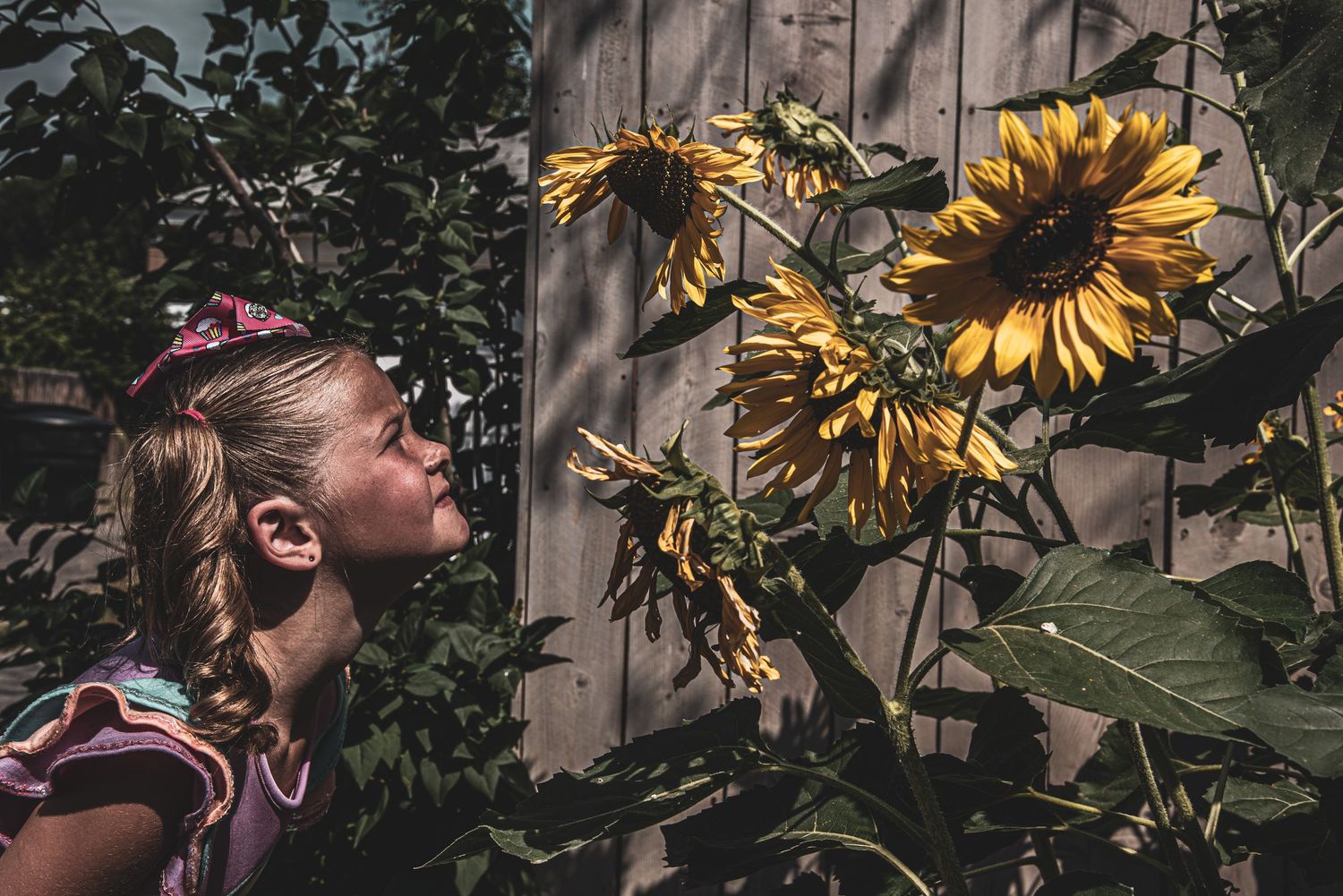
- Golden Hour: The first hour after sunrise and last hour before sunset gives soft, warm light.
- Overcast Days: Great for portraits because clouds diffuse harsh sunlight.
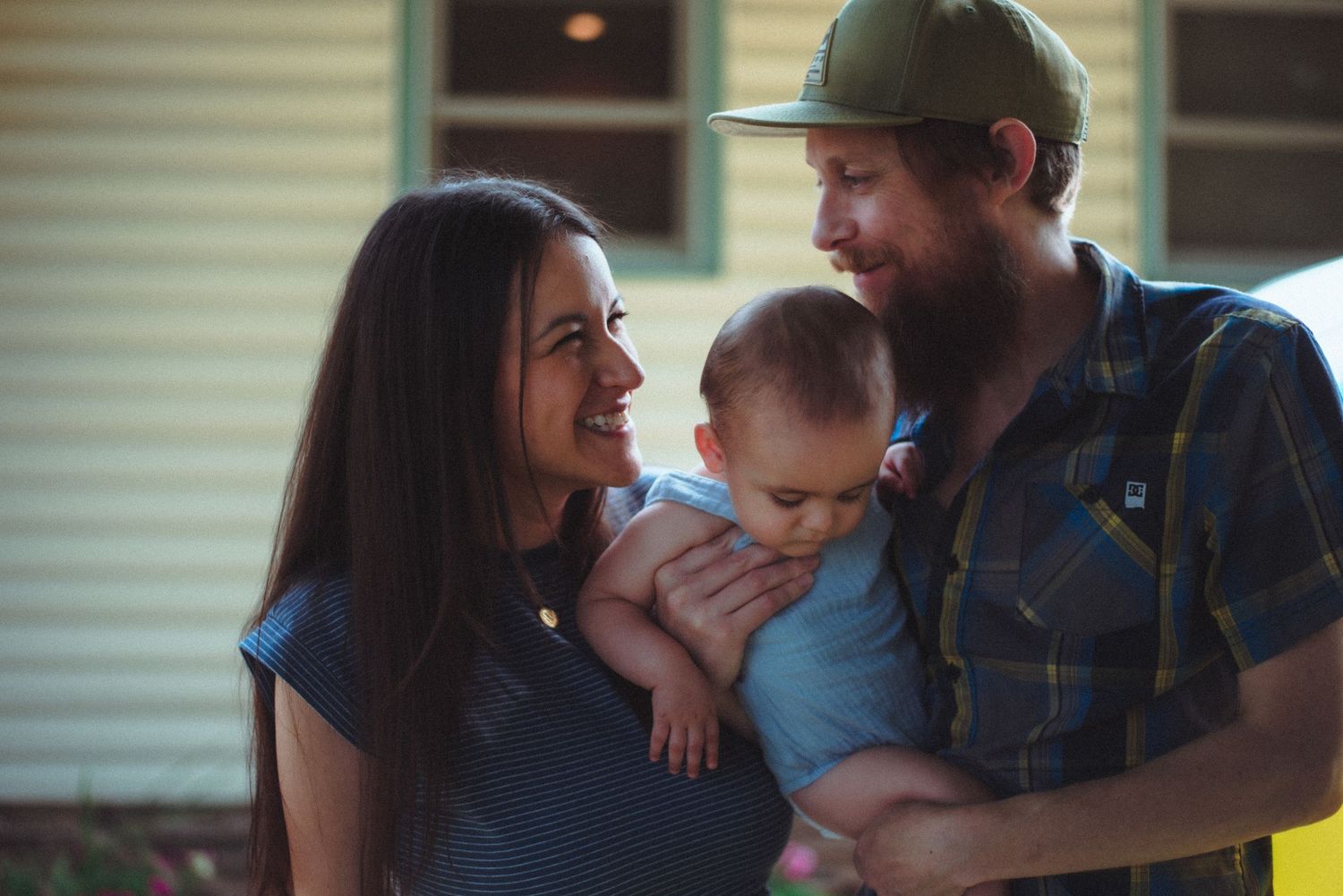
- Window Light: Ideal for indoor portraits—position your subject near a window for soft, flattering illumination.
Artificial Light
- Start with an affordable ring light or LED panel.
- Bounce light off walls or ceilings for softer shadows.
5. Avoid These Common Beginner Mistakes
Even the best photographers started out making the same beginner mistakes you might be making right now. The good news? Once you know what to look for, you can fix them quickly and instantly make your photos look more polished.
Blurry Photos
- Cause: This usually happens when your shutter speed is too slow or your hands aren’t steady—especially in low light.
- Fix: Use a faster shutter speed (1/125s or faster for handheld shots), steady your elbows against your body, or use a tripod for extra stability. If your subject is moving, crank up that shutter speed even more to freeze the action.
- 💡 Pro Tip: Remember the “reciprocal rule”—your shutter speed should be at least 1/focal length. So if you’re using a 50mm lens, aim for 1/50s or faster.
Dark or Overexposed Images
- Cause: Your exposure settings aren’t balanced—too little light makes your photo too dark, and too much light washes it out.
- Fix: Adjust your aperture, shutter speed, or ISO until you get a balanced exposure. Use your camera’s exposure meter or histogram to help guide you.
- 💡 Pro Tip: In tricky lighting situations, try exposure bracketing—take three shots at different exposures and pick the best one later.
Every Subject Centered
- Cause: It feels “safe” to put your subject smack in the middle, but this can make your image look static and flat.
- Fix: Use the rule of thirds—imagine a 3×3 grid over your image and place your subject along one of the lines or intersections. Try adding negative space or using leading lines to guide the viewer’s eye.
- 💡 Pro Tip: Centering isn’t always bad—symmetrical shots can look amazing—but make sure it’s a creative choice, not just a habit.
Ignoring Background Distractions
- Cause: You’re so focused on your subject that you don’t notice what’s going on behind them (like a tree “growing” out of their head or random people walking by).
- Fix: Take a second before you shoot to scan the whole frame. Change your angle, move your subject, or use a wide aperture to blur out the background.
- 💡 Pro Tip: Sometimes just taking one step to the left or right can completely clean up your shot.
Relying Too Much on Auto Mode
- Cause: Letting your camera do all the thinking can limit your creative options.
- Fix: Start experimenting with Aperture Priority (A/Av) or Shutter Priority (S/Tv) modes. These give you more control while still keeping some automation.
- 💡 Pro Tip: The more you practice adjusting settings yourself, the faster you’ll learn how to handle light and create the look you want.
6. Post-Processing for Beginners
Taking the photo is only half the creative process—editing is where you can fine-tune your vision, correct little mistakes, and make your images pop. Think of it as your photo’s “finishing school.” You don’t have to become a Photoshop wizard to get great results—just a few simple adjustments can make a huge difference.
Beginner-Friendly Editing Tools
- Free Options:
- Snapseed (mobile) – Intuitive and powerful, perfect for quick edits on your phone.
- GIMP (desktop) – A free Photoshop alternative with plenty of pro-level tools if you’re willing to learn the interface.
- Paid Options:
- Adobe Lightroom – The gold standard for photographers. Great for batch editing, organizing your photos, and subtle adjustments.
- Capture One – Fantastic color grading and detail control, often favored by professionals.
💡 Pro Tip: If you’re just starting out, stick to one program and learn it well before trying to master multiple tools.
Basic Edits to Start With
- Adjust Brightness and Contrast – Bring life to flat images by adding contrast or fixing shadows/highlights.
- Correct White Balance – Make sure colors look natural. For example, indoor lighting can make skin look orange—adjusting white balance can fix that instantly.
- Crop for Better Composition – Remove distractions or reframe your image for stronger impact.
- Sharpen (Lightly) – Add crispness to your subject, but avoid pushing it too far or your photo will look unnatural.
💡 Pro Tip: Work non-destructively—meaning always keep an original copy of your image so you can start over if needed.
Common Editing Mistakes to Avoid
- Over-Saturating Colors – It’s tempting to make colors pop, but too much saturation can make your image look cartoonish.
- Extreme Filters – Unless it’s part of your style, heavy Instagram-style filters can distract from the subject.
- Too Much Skin Smoothing – A little touch-up is fine, but overdoing it can make people look like plastic dolls.
Develop Your Editing Style
Editing is also where your personal style starts to shine. Maybe you prefer warm, golden tones for a dreamy look, or cooler blues for a moody vibe. Over time, these small, consistent choices will help your photos feel uniquely yours.
7. Ready to Learn More? Free Resources to Get You Started
You don't need to spend a lot of money to become a better photographer. The internet is a treasure trove of free resources that can teach you everything from the basics of your camera to advanced editing techniques. Here are some of our favorites to help you keep learning.
Best YouTube Channels
- Tony & Chelsea Northrup: Their easy-to-follow tutorials and comprehensive gear reviews make complex topics simple and approachable.
- Mango Street: Short, creative, and beautifully produced videos that will give you a quick burst of visual inspiration and practical tips.
- Peter McKinnon: Known for his fun, high-energy style, Peter offers great tips and tricks that make learning feel more like a thrill.
Must-Read Websites
- Digital Photography School: A go-to resource with tutorials for every skill level, from mastering your camera's manual mode to composition tips.
- PetaPixel: Stay up-to-date with the photography world through their news, gear reviews, and inspiring stories from other photographers.
Capturing Vibrant Nighttime Scenes
This photo demonstrates how to capture the lively atmosphere of a carnival or festival during the blue hour — the period just after sunset when the sky still holds rich blue tones but artificial lights begin to glow. Here are some tips to achieve a similar shot:
- Use a Tripod or Steady Surface: Low-light scenes require slower shutter speeds to let in enough light without raising ISO too high, which can cause noise.
- Embrace Ambient and Artificial Lighting: Notice how the colorful lights of the booth and the deep blue sky create a dynamic contrast. Use available light sources creatively to enhance mood.
- Focus on Color and Composition: The vibrant canopy and plush toys create a visually rich composition. Try framing your subject centrally and use the surrounding environment to add depth.
- Adjust White Balance: Set your white balance to capture the coolness of the sky alongside the warm, colorful lights for a natural look.
- Use a Wide Aperture: A wider aperture helps gather more light and isolates your subject from the background if desired.
With practice, you can capture festive, energetic moments like this that really pop with color and atmosphere — even after the sun goes down!

8.Find Your Tribe: The Power of Community
Photography can sometimes feel like a solitary pursuit, but it doesn't have to be. Joining a community of fellow photographers is one of the most powerful things you can do to improve. Sharing your work, getting constructive feedback, and seeing what others are creating will push you out of your comfort zone and accelerate your growth.
Free Communities to Get Started
For beginners, these platforms are a fantastic starting point to connect with others and get your feet wet in the photography world.
- Reddit’s r/photography: A huge, active community where you can get immediate feedback, ask specific questions, and engage in thoughtful discussions about the craft.
- Flickr: This classic platform is still a vibrant hub for photographers. It’s an amazing place to build your portfolio and join groups dedicated to your specific interests, like street photography or macro.
- 500px: A visually stunning platform that focuses on showcasing the best work. It’s an incredible source of inspiration and a great place to see what's trending in the photography world.
Ready to Level Up? Premium Communities & Tutorials
If you're serious about your craft and ready to invest in your education, a paid community can offer more structure and personalized guidance. These platforms are great for moving past the basics and diving into advanced techniques.
- The Click Community: This is a fantastic option for photographers who are ready for a structured, guided learning experience. Their membership includes access to a massive library of tutorials, a vibrant forum with expert mentors, and a supportive community of photographers. It’s perfect for those who want to build a strong foundation and receive detailed feedback.
- The Chrysalis Collective (by Locke Photography): This is a great choice if you're looking for consistent, high-quality educational content. Their monthly subscription provides weekly lessons on topics like editing, workflow, and artistic practice, helping you maintain momentum and develop your unique style over time.
9. Beginner Photography Projects to Spark Creativity
1. A Photo a Day
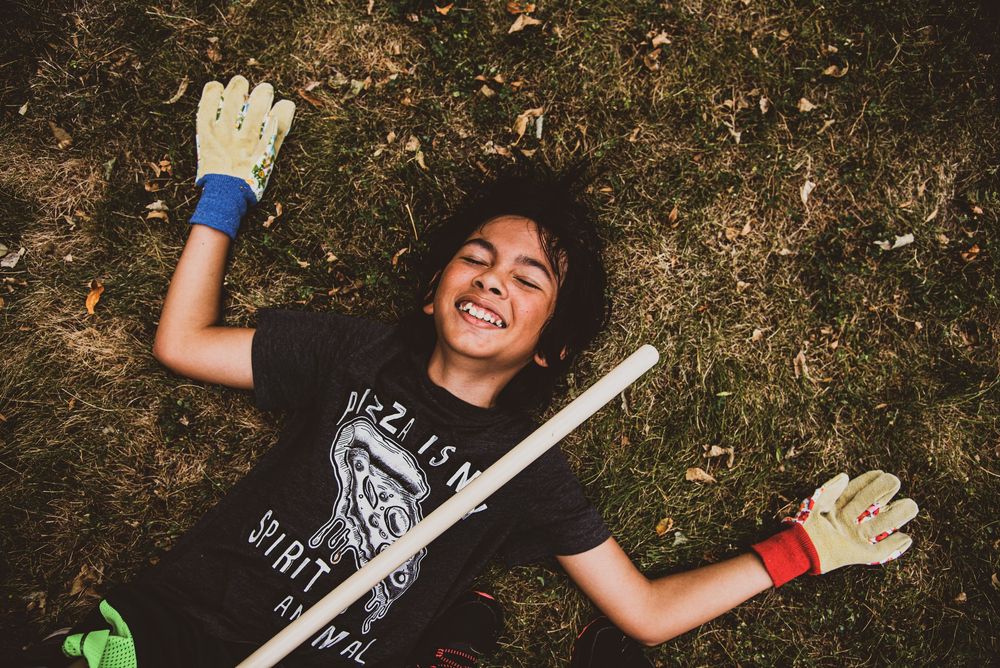
This project is a fantastic way to develop your eye and make photography a daily habit. The goal is to simply take one photo every single day for a set period, like a month. Don't overthink it—the subject can be anything from your morning coffee to the texture of a brick wall or the light hitting your window in the afternoon. The real challenge is to look for something new and interesting every day, even when you feel like there's nothing to shoot. This forces you to be more observant of your surroundings.
Why it works: It trains you to see photographic opportunities everywhere and makes the act of shooting feel less intimidating. By the end of the month, you'll have a visual diary of your life and a clearer understanding of your own creative style.
Tips:
- Don't skip a day. The point is consistency. If you miss a day, just pick up where you left off.
- Don't worry about perfection. This isn't about creating masterpieces. It's about practice.
- Share your progress. Consider posting your photos online using a hashtag like #photoadaychallenge to connect with others and stay motivated.
2. Storytelling Series
Every good story has a beginning, a middle, and an end. This project challenges you to apply that concept to a series of photographs. Your subject could be a simple event like making breakfast, a more complex process like planting a garden, or even an abstract idea like the changing of seasons. The key is to think about how your photos connect to each other and guide the viewer through a narrative. For example, a series about making coffee might start with a shot of the beans, move to the steam rising from the mug, and end with the empty cup.
Why it works: It pushes you to think beyond a single image. You'll learn how to build a visual narrative and understand the importance of capturing details that move a story forward.
Tips:
- Plan your shots. Before you start, think about what you want your beginning, middle, and end to look like.
Look for details. The little things often make the story more compelling, like a splash of milk or a pair of messy hands.
- Keep it simple. Start with a simple, everyday story. You can tackle more complex subjects as you get more comfortable.
3. Themed Scavenger Hunt
Give yourself a specific theme and hunt for it everywhere you go. This is a great way to explore a single concept in depth. For example, if your theme is "reflections," you could photograph a reflection in a puddle, a window, a car's hubcap, or even a pair of sunglasses. If your theme is "red," you could look for a red stop sign, a fire hydrant, a person's jacket, or a single red flower. The point is to challenge yourself to find the theme in as many different contexts and compositions as possible.
Why it works: This project forces you to be intentional and look at your environment with a specific purpose. You'll develop a deeper appreciation for color, light, and form, and discover creative ways to interpret a single idea.
Tips:
- Choose a broad theme. A theme like "lines" or "texture" gives you more possibilities than something very specific.
- Don't just shoot the obvious. If your theme is "circles," don't just photograph a stop sign. Look for a circular pattern in a fence, a bubble, or a close-up of a doorknob.
- Go for variety. Try to capture your theme in different locations, at different times of day, and from different angles.
Final Thoughts: Your Creative Journey Starts Now
At the end of the day, photography is less about the camera you hold and more about the way you see the world. Don't get caught up in the myth that you need expensive gear to create beautiful images. The most important tool you have is your own eye and your unique perspective. The projects we've discussed are simply starting points—invitations to practice, experiment with your camera's settings, and, most importantly, to rediscover the world around you with a photographer's eye. So grab your camera (or even just your phone!) and start shooting. Don’t be afraid to make mistakes, and don’t be afraid to share what you create. Your voice is waiting to be heard.
Your turn: Which of these projects are you most excited to try first? Share your goal in the comments below!